
Three single-column resume templates tested for ATS parsing. Download them free in Word or PDF, or open them in Google Docs.
13 small tools that solve the specific problems a job search throws at you — how long your CV should be, which keywords a posting screens for, whether your fonts survive the ATS, what to write after an offer lands. Each one runs entirely in your browser, needs no account, and stores nothing on our servers.
Get the length, the wording and the impact of your CV right before anyone reads it.
Three single-column resume templates tested for ATS parsing. Download them free in Word or PDF, or open them in Google Docs.
Paste or upload your CV to get an instant word count, page estimate and a length verdict based on your experience level.
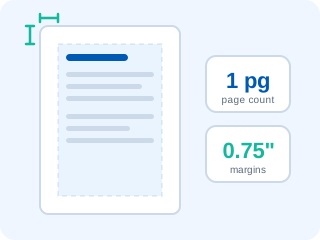
Check your page count, margins and font size, and find out whether one or two pages is right for your experience.
Rewrite a weak bullet point into three stronger versions and browse 60+ resume action verbs by category.
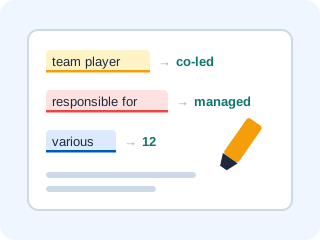
Paste your resume to flag clichés, weak verbs and filler words, with a stronger replacement for every one.
Make sure the screening software can read your file and finds the keywords it is looking for.
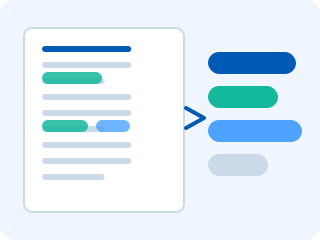
Paste a job description and pull out the skills, tools and ATS keywords the employer actually screens for.
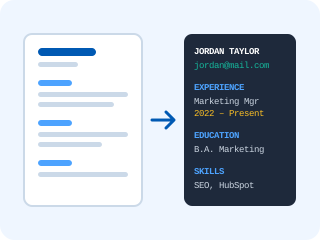
Upload your CV and see the plain text an applicant tracking system extracts, with the fields and sections it can find.
Score your resume file name against ATS naming rules and generate a clean, recruiter-friendly replacement.
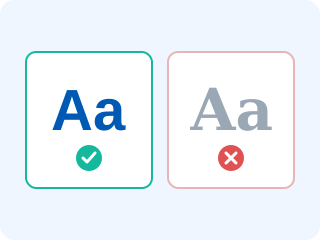
Browse safe vs risky resume fonts and scan your CV for columns, tables and images that break ATS parsing.
Everything around the resume: letters, signatures and the emails that follow an offer.

Fill in your details, pick one of four templates and copy a ready-to-paste HTML email signature.
Check the length, reading time and sentence quality of your cover letter before you send it.
Keep the search organised and negotiate properly when the offer arrives.

Turn your offer details into a polished counter-offer email written in three different tones.
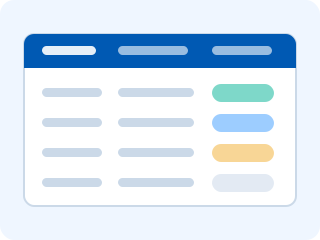
Log every application with company, role, date, status and notes. Saved in your browser, exportable to Excel.
Each tool answers one question, and they line up in the order a job search actually happens. Write or rebuild the CV first — the free resume builder gives you an ATS-friendly structure to start from, or download one of the ATS friendly resume templates. Tighten the writing with the bullet point generator, strip out clichés with the buzzword checker, then confirm the page count and margins with the length checker.
Before each application, paste the posting into the keyword extractor and add the terms you genuinely match. Open the file in the ATS resume viewer to see the plain text a parser extracts, run it through the font and formatting checker, fix anything either flags, and give the file a proper name. Then scan the finished CV with our free ATS checker for a score and a keyword gap report before you send it.
After that it is process: log the application in the tracker, write the cover letter and check its length, keep your email signature working for you, and when an offer arrives, use the negotiation email generator rather than accepting the first number.
Every tool on this page is free with no account, no trial and no card. There is no premium tier hiding the useful half of the results — what you see is the whole tool.
No. Every tool runs entirely inside your browser: text analysis, file parsing and generation happen on your device, and nothing is uploaded to our servers. The job application tracker saves to your browser's local storage, which only you can read.
If you have a CV already, start with the free ATS resume scan to find out what the screening software makes of it. If you are writing from scratch, start with the resume builder, then use the word counter and bullet point generator to tighten what you have written.
Nothing. Each tool is a web page that works in any modern desktop or mobile browser — no extension, no download, no plugin.
Upload your CV for a free ATS compatibility score, a keyword gap report and a prioritised list of fixes — in under 30 seconds, with no signup and nothing stored.